
Reaction Time Test - New Tab Game
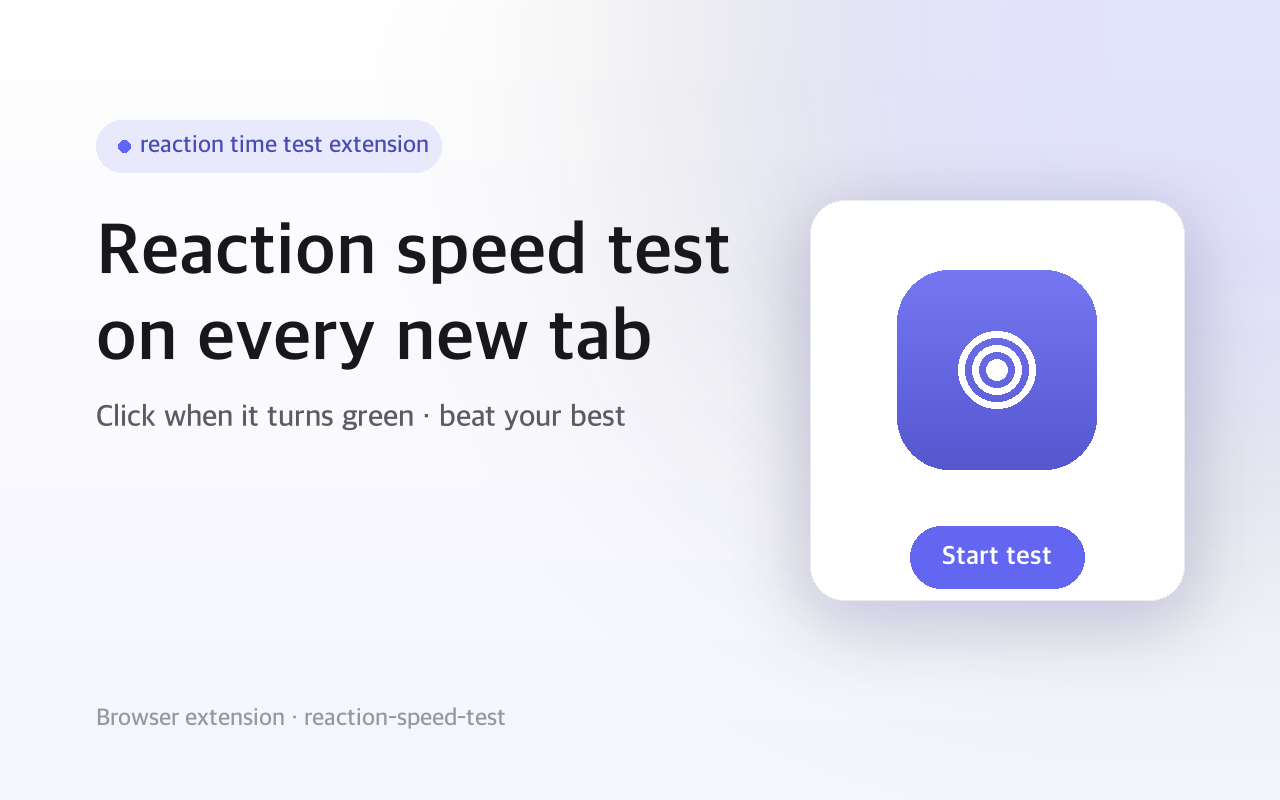
Test your reaction speed on every new tab.
- Users
- 42
- Works on
- Chrome · Edge · Firefox
- Version
- 3.0.2
You hit Cmd+T and then sit there for a second, not yet sure where you were going. That second becomes a reaction time test: a circle waits, turns green at a random moment, and you click as fast as you can.
Reaction Time Test replaces your new tab page with a simple, addictive reaction speed game.
Screenshots
What it does
Replaces your new tab page with the reaction time game
Top 5 leaderboard
automatically tracks your fastest reaction times with dates
Popup quick view
check your best records without opening a new tab
"Play" button in popup to jump straight into the game
Reset button to clear all records and start fresh
Precise timing using performance.now() for millisecond accuracy
Clean, minimal design with smooth color transitions
Red circle: Wait... don't click yet!
Green circle: Click NOW! Your time is being measured
Blue circle: Result
see your reaction time and try again
Clicked too early? No penalty, just try again
Average human reaction time is ~200-250ms
Under 200ms is fast, under 150ms is exceptional
Keep practicing on every new tab to improve your speed
When you'd reach for it
The dead second after opening a tab
You open a tab before you have decided where to go. Instead of a grid of shortcuts, a red circle is already counting down and will flip to green somewhere between one and five seconds later. One click gives you a number, and you go back to typing a URL.
Warming up before a match
Before a game session you want to know whether your hands are awake. Open a few tabs in a row and take several runs to see whether today's times sit higher or lower than usual. Each attempt is timed with performance.now() and rounded to the nearest millisecond.
Passing the laptop around
Someone insists they are faster than you, so hand over the mouse and let them take a turn. The five fastest times are stored with the date they were set, and you can pull them up from the toolbar popup without opening a tab. The Reset Records button on the result screen clears the board for a fresh round.
How to use it
- 01Open a new tab — a large circle appears
- 02Click the circle — it turns red with "Wait for green..."
- 03After a random delay (1-5 seconds), the circle turns green — click as fast as you can!
- 04Your reaction time is measured in milliseconds
Permissions & privacy
Single purpose
Reaction Time Test replaces the browser's new tab page with a reaction speed testing game. Users click a circle when it turns green to measure their reaction time in milliseconds. The top 5 fastest times are saved locally as a personal leaderboard.
All records are stored locally in your browser No analytics, no tracking, no data is sent anywhere No accounts or sign-ups required This extension overrides your default new tab page. You can disable it at any time from your browser's extension settings. It runs only the code shipped inside the package — no remote code is fetched.
Questions people ask
How do I test my reaction time in Chrome?
Install the extension and open a new tab — the test is already running. The circle starts red, then turns green after a random delay of one to five seconds, and you click it the moment the color changes. Your time appears in milliseconds and is saved if it lands in your top five.
Is there a score to compare myself against?
Not inside the extension. It keeps your own five best times and nothing else — there is no average, no percentile and no leaderboard beyond your own. That is also the honest way to read the number: your monitor's refresh rate, your mouse and the browser all sit between the color change and the recorded click, so one of your runs against another tells you more than a figure from somewhere else does.
Does this replace my new tab page?
Yes. The extension overrides the new tab page, so every new tab opens the game instead of Chrome's default view. Turn the extension off or remove it at chrome://extensions and your usual new tab comes straight back.
What permissions does it declare?
Two: storage, which keeps your five best times and the dates they were set in chrome.storage.local, and tabs, which lets the Play button in the popup open the game in a new tab. The manifest lists no host permissions at all, so the extension is not granted access to the sites you browse.
What happens if I click before the circle turns green?
Nothing is recorded. The circle tells you that you clicked too early, and clicking again restarts the wait. There is no penalty, no failed attempt saved, and no effect on your top five.
Related extensions
 Sword Growth55 users
A sword enhancement game on your new tab page.
 Letterboxd Stats & Watchlist Tools
See quick stats for the films on any Letterboxd page — count, average rating, distribution — and export them to CSV.
 Serializd & Backloggd Diary Export CSV
Serializd and Backloggd have no export button. Get your TV and game diary out to a CSV in one click. Runs locally.
 Remove Sticky HeaderNot published yet
Hide fixed and sticky headers, cookie bars and floating widgets with one click. Click again to bring them back.
 SOOP · AfreecaTV Live Start AlertsNot published yet
Get a desktop notification and toolbar badge the moment a favorite SOOP (formerly AfreecaTV) streamer goes live.
 SEO Toolkit5K+ users
All-in-one SEO analysis: on-page score, SERP preview, keyword density, broken links, heading structure, and meta tag viewer.