
Font Inspector — What Font & Copy CSS
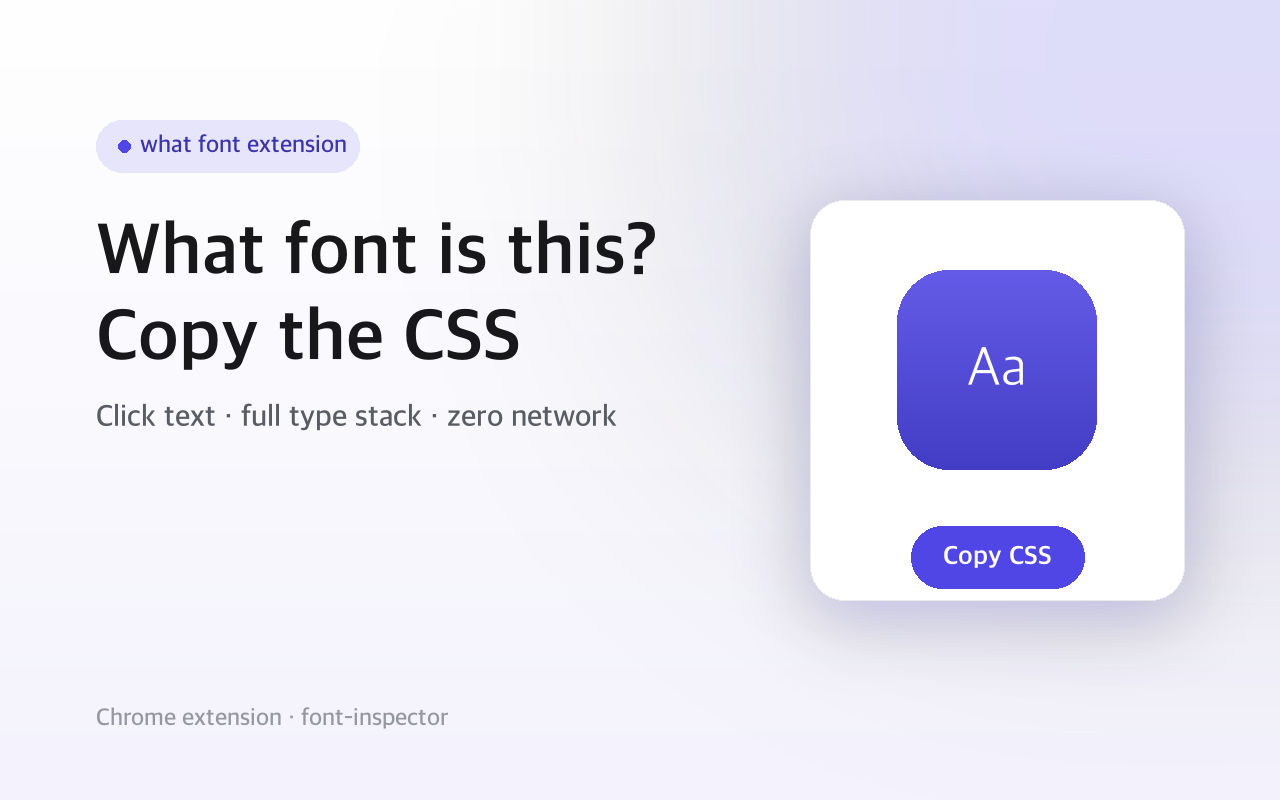
Click text to see its font, weight, size, line-height, spacing and color, then copy as CSS. No network, no account.
- Version
- 3.0.3
This one is built but not on a store yet. The page is here so you can see what it does.
Ever wondered what font a page is using, or wanted the exact CSS behind a piece of text? Turn on Font Inspector, hover any text, and it shows the real computed type stack: the font that actually renders, its weight, size (px and rem), line-height, letter-spacing, style, and color. Click to pin it, then copy the whole thing as CSS.
It runs entirely in your browser. There is no host permission, no network request, and no account — the extension only touches a page after you click its toolbar icon, and nothing ever leaves the tab.
Screenshots
What it does
Shows the font that actually renders, not just the declared stack.
Weight, size in px and rem, line-height with ratio, letter-spacing, style.
Color readout with a swatch, normalized to hex and rgb
works even on pages using modern oklch, lab or color() values.
Copy as a clean CSS block or as the font shorthand, your choice remembered.
Reaches into open shadow DOM; click to pin, Esc or the ✕ button to exit.
No host permission, no network, no account, no tracking.
How to use it
- 01Open any web page.
- 02Click the Font Inspector icon in your toolbar.
- 03Hover text to read its type stack, click to pin it.
- 04Choose Block or Shorthand and click Copy CSS.
- 05Press Esc to exit.
Permissions & privacy
Single purpose
Single purpose: Show the computed font/CSS of text on the current page and copy it as CSS. Permission — activeTab: run only on the tab where the user clicks the toolbar icon. Permission — scripting: inject the inspector script into that active tab on click. Permission — storage: remember the copy-format preference (block vs shorthand) locally. Host permissions: none. No <all_urls>, no declared hosts. Remote code: None. Data collection / transmission: None. Reads styles locally and copies to the clipboard only.
Runs only on the tab where you click the icon, reads styles with the browser's own getComputedStyle, and copies to your clipboard on request. Nothing is collected, stored remotely, or sent anywhere. Independent extension, not affiliated with any font or design service. It runs only the code shipped inside the package — no remote code is fetched.
Related extensions
 SEO Toolkit5K+ users
All-in-one SEO analysis: on-page score, SERP preview, keyword density, broken links, heading structure, and meta tag viewer.
 Download Claude Artifacts - Save Code & Docs5 users
Download Claude artifacts as files. Save every code block, doc, and app in a conversation with the correct file extension.
 BugSnap2 users
One-click bug reports with screenshot, console logs & environment info.
 AI Credit Meter - v0, Lovable, Bolt
Track your remaining credits on v0, Lovable and Bolt, with burn-rate and a projected run-out date. Read-only, all local.
 GitHub Unfollowers & Un-stars Tracker
See who unfollowed you on GitHub, and who un-starred your repo — the thing GitHub never tells you. Official API, all local.
 Page Ruler
Measure any element on a webpage in pixels. Drag to measure areas, hover to see dimensions. Free ruler for designers.