
Scroll to Top - Back to Top Button
Add a smooth scroll-to-top button on every page. One click to go back to top.
- Works on
- Edge
- Version
- 3.0.2
Long articles, infinite feeds, comment threads that keep loading. Getting back to the top means flicking the wheel a dozen times, because most sites never bothered to add a button. This adds one to all of them.
Scroll to Top adds a clean, minimal floating button to every webpage. One click — smooth scroll back to the top. That's it.
No bloat. No distractions. Just a button that does exactly what it says.
Screenshots
What it does
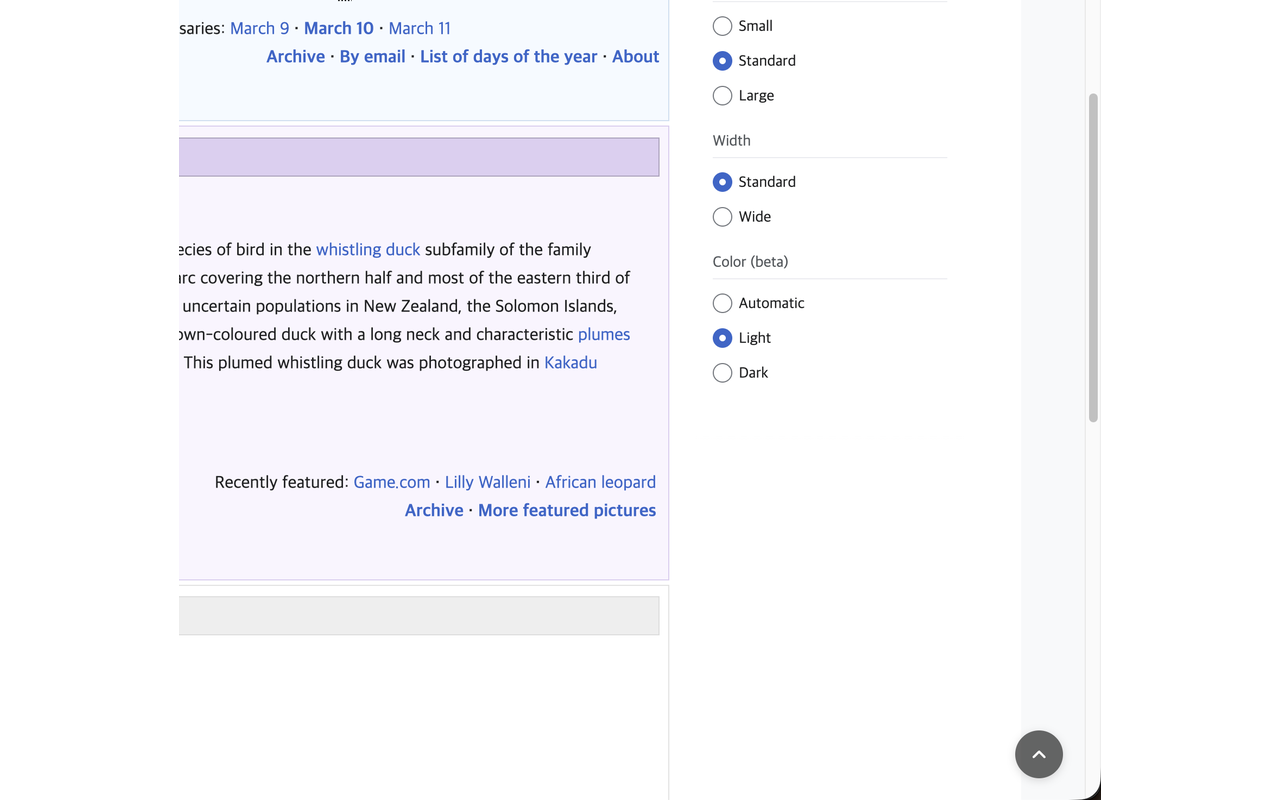
Smooth scroll-to-top button on every page
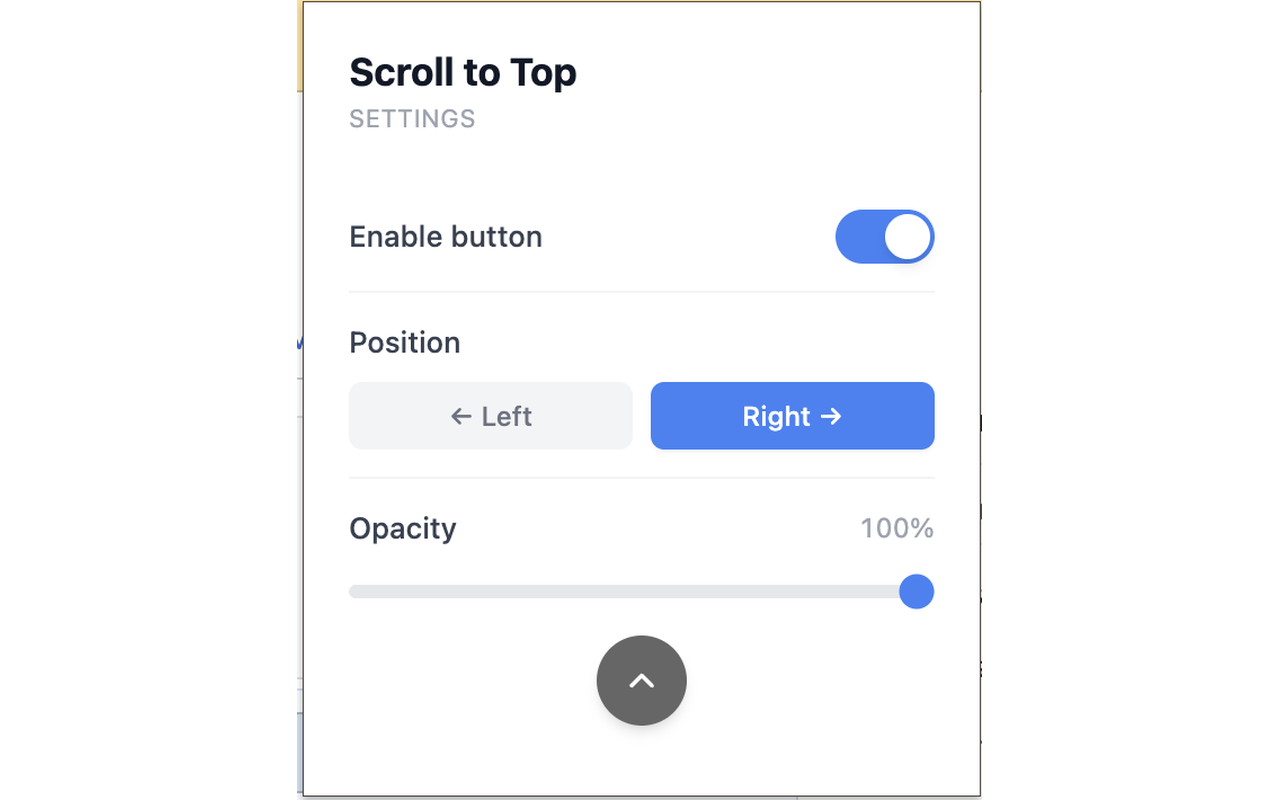
Toggle on/off instantly from the popup
Position control
place the button on the left or right side
Opacity setting
adjust button transparency to your liking
Smart visibility
button only appears when you scroll down
Appears after scrolling 300px
stays out of the way until you need it
Works on every website (http and https)
When you'd reach for it
Feeds and threads that never end
Forums, changelogs and infinite-scroll timelines drop you thousands of pixels down with nothing to grab onto. A round button waits in the bottom corner once you have scrolled past 300 pixels. One click and the page glides back up smoothly instead of jumping.
Sites that already own the bottom-right corner
Support chat bubbles and cookie widgets tend to live exactly where a floating button wants to be. Open the popup and switch the position to Left, and the button moves to the other side of the viewport. The change lands in every open tab right away, no reload.
Keeping it quiet while you read
A control that sits on top of the page all day gets annoying fast. This one stays invisible until you scroll down, and the opacity slider takes it from 30% to fully solid. At the low end it is barely there until you hover over it.
Permissions & privacy
Single purpose
Scroll to Top adds a floating button to web pages that smoothly scrolls the user back to the top of the page when clicked. Users can customize the button's position, opacity, and visibility through a popup settings panel.
All settings stored locally in chrome.storage No external servers, no API calls No data collection, no analytics, no accounts Only permission used: storage (to save your preferences) Simple. Clean. Fast. It runs only the code shipped inside the package — no remote code is fetched.
Questions people ask
How do I add a back to top button to any website?
Install the extension and the button is added on its own, on every http and https page you open. There is nothing to configure and no per-site setup. Scroll down past 300 pixels and it fades in at the bottom corner.
Does the page jump to the top or scroll smoothly?
It scrolls smoothly. The click calls the browser's native smooth scrolling, so the page animates upward rather than snapping. That also means you can see roughly where you were as it travels.
Why is the button not showing on this page?
It only appears once you have scrolled more than 300 pixels down, so it stays hidden near the top of a page and on pages too short to scroll. Check that the "Enable button" toggle in the popup is on. It also runs only on regular http and https pages, not on browser settings pages or the new tab page.
What permissions does it declare, and what do they store?
The manifest declares two permissions: storage and webNavigation. Storage keeps three values, your on/off toggle, left or right position, and opacity, in chrome.storage.local; webNavigation is used to notice when a page has finished navigating, and the background script writes the last visited URL into that same local storage.
Can I change the position or opacity without reloading pages?
Yes. The content script watches chrome.storage for changes, so moving the button left or dragging the opacity slider applies to already-open tabs immediately. The popup also shows a live preview circle at the opacity you picked. Values run from 30% up to 100%, with 70% as the default.
Related extensions
 Eye Rest Reminder78 users
Reminds you to rest your eyes and prevent digital eye strain with gentle break reminders.
 Quick Memo74 users
A simple and elegant memo extension for your browser
 YouTube Detox47 users
Removes recommended videos from YouTube homepage and video pages.
 Focus Guard3 users
Block distracting sites with "Why are you here?" prompt. Reduce YouTube, X, Reddit, Instagram use — digital detox, 100% local.
 Notion Table & Database to CSV / Markdown2 users
Notion table to Markdown or CSV in one click. Adds a Copy button above any Notion table or database view. No login, no API.
 Air Quality Monitor
Real-time air quality monitor for Korean cities (PM2.5/PM10)